Available integrations: Zoho CRM, SalesForce, Odoo

Faster Answers.
Smarter Actions.
One AI Platform

Worqlo connects to your CRM and lets leaders see, decide, and act in one chat — track pipeline health, manage reps, and automate actions instantly.
Get a demo Private & secure
What’s our win rate this quarter
Remind Mina and Alex to follow up
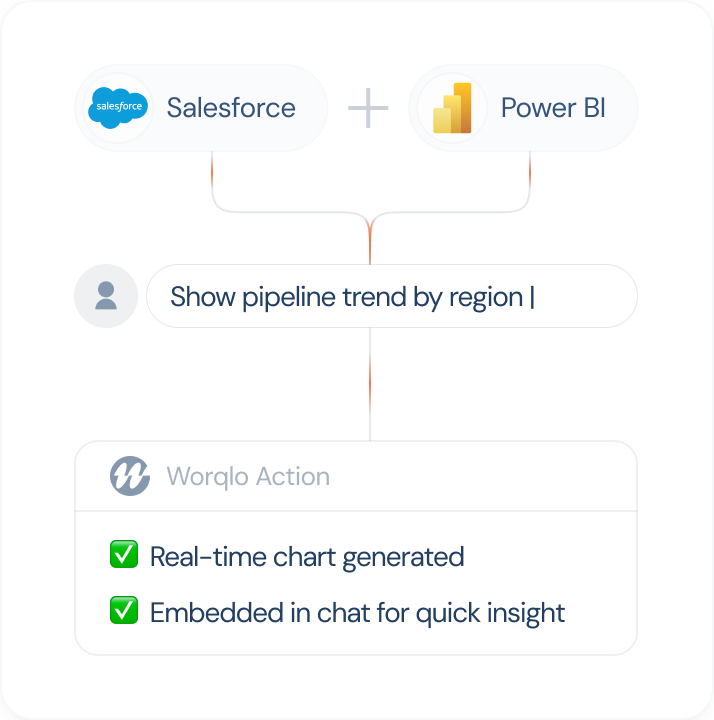
Show pipeline trend by region

The Next-Generation Enterprise Workflow

Today’s CRMs and dashboards show data but Worqlo turns
that data into actions
.

Ask anything about your business and act on it
instantly. No dashboards, no delays

See It. Act On It. Trust It.

See It Now

Ask natural questions about pipeline coverage, deal velocity, or forecast accuracy across Salesforce, HubSpot, Zoho, or Odoo.

Trust the Outcome

Deterministic workflows + audit trails ensure every action is traceable, consistent & secure.

Act in Context

Reassign stalled deals, ping idle reps, or update next steps right in chat.

Deploy Your Way

Run Worqlo privately in your VPC, cloud, or on-prem with trainable model options as you scale.

What can one AI Assistant do for your organization?

Explore how Worqlo takes conversations and turns them into meaningful actions that drive results.

See Worqlo agents solving real use cases
Explore how private data powers better decisions
Get a clear view of impact, adoption, and ROI
Understand how we secure and manage your data

Key Use Cases

  • Pipeline Visibility

    Get instant answers and trend visualizations.
  • Deal Management

    Identify stalled opportunities, reassign owners, and trigger follow-ups automatically.
  • Rep Performance and Coaching

    Track quota attainment, activity patterns, and response times.
  • Automated Briefings

    Receive proactive summaries in Slack, email, or chat.

What Worqlo Enables

Action Type Examples Response Interface
Conversational Insight “What’s our win rate?” “42%, up 5% from last quarter.” Web / Mobile / Smartwatch
Notification “Alert me on inactive $50K deals.” “Workflow created. Alerts will be sent when triggered.” Slack / Email
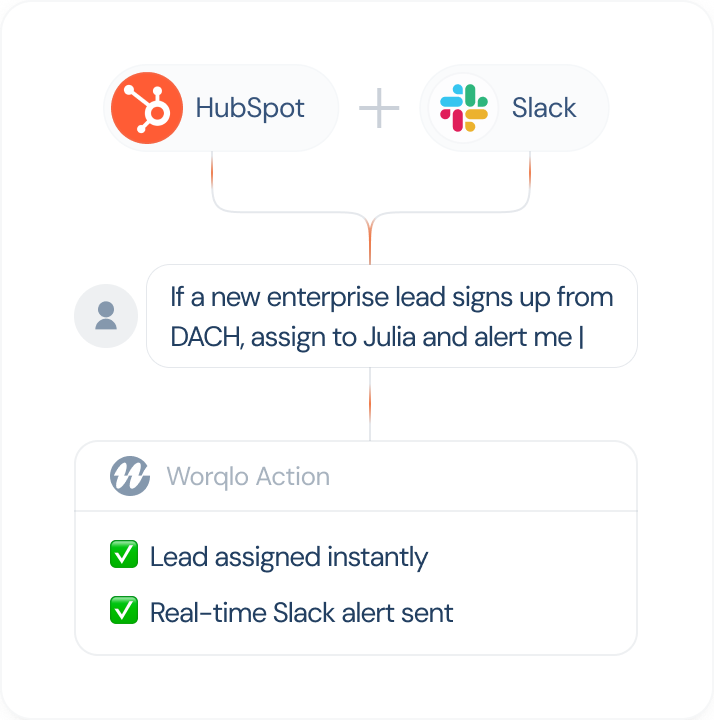
System Action “Assign Acme to Julia.” “Assigned. Follow-up set for tomorrow.” Web / Mobile
Data Visualization “Show pipeline trend by region.” Chart of EMEA vs NA. Web
Workflow Definition “Auto-assign German leads to Julia.” “Automation ready and enabled.” Web / Mobile

Setup & Control

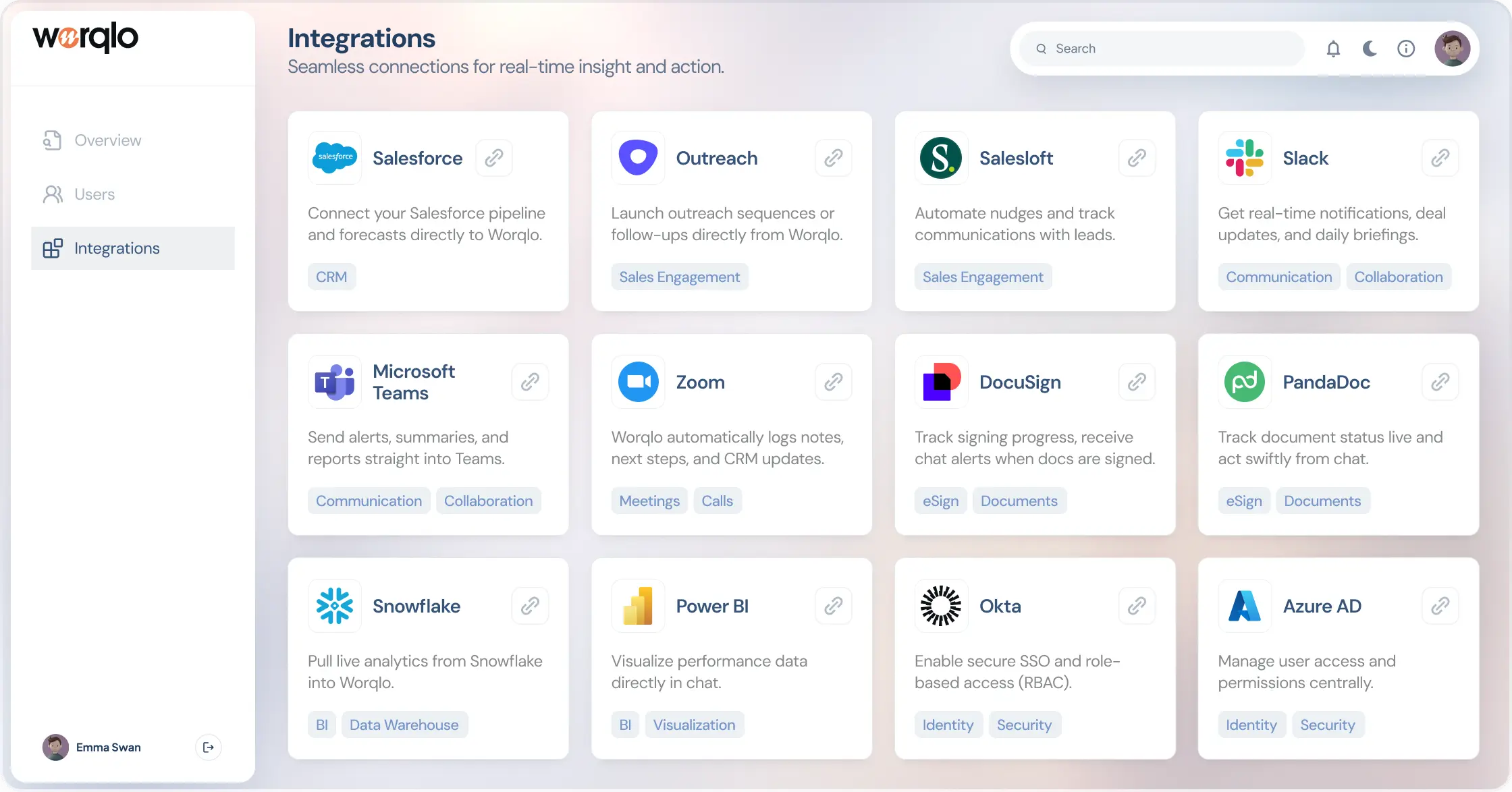
Your IT team gets a dedicated console to manage users, permissions, and integrations—keeping everything secure and easy to maintain.

Ready to Talk to Your Business?

Worqlo launches November 2025 with integrations for Salesforce, HubSpot, Zoho, and Odoo. Be among the first to bring real-time, conversational intelligence to your revenue operations.
Get a demo
01

What is Worqlo?

Worqlo is a conversational platform that lets you talk to your business. You can ask for data, trigger actions, and manage workflows through simple chat or voice. It connects to your systems and turns intent into real actions, without dashboards or manual steps.
02

How does Worqlo work?

You ask a question or give a command, and Worqlo pulls the right data, runs the right workflow, or performs the right action. It uses connectors, structured workflows, and intelligent agents to understand context and respond with accurate, real-time results.
03

Who is Worqlo built for?

Worqlo is built for professionals across the business: entrepreneurs, team leads, managers, executives, and especially sales leaders. Anyone who works with data, manages teams, or handles daily decisions can benefit from talking directly to their systems.
04

What problems does Worqlo solve?

Worqlo reduces time spent on admin work, searching for information, switching tools, or waiting for updated reports. Instead of navigating dashboards or asking someone else to pull data, you get answers and actions in one ongoing conversation.
05

What actions can Worqlo perform?

Worqlo can answer questions, surface insights, send alerts, update records, create tasks, reassign deals, trigger nudges, define workflows, and show charts. It supports insight, action, workflow creation, and notifications in one place.
06

What can Worqlo do for Sales teams?

Sales leaders can check pipeline health, see stalled deals, monitor rep activity, reassign accounts, send reminders, and create follow-ups — all inside one chat. Worqlo replaces daily dashboard digging with direct, natural questions like “Show me stalled deals over 7 days.”
07

Does Worqlo integrate with my existing systems?

Yes. Worqlo connects to your business systems through secure connectors and APIs. It reads data, writes updates, and runs actions directly in your tools. More native integrations are being added based on customer needs.
08

Does Worqlo support on-premise deployment?

On-premise deployment is planned for Q1 2026. Today, Worqlo runs in secure cloud environments, and enterprises with strict data requirements will have a full on-prem option once released.
09

Is Worqlo secure for enterprise use?

Yes. Worqlo uses secure connectors, role-based access, and audit logs. You control what data it can access and what actions it can perform. All operations follow your configured permissions.
10

Does Worqlo learn my preferences?

Worqlo is designed to remember recurring questions, preferred views, regions, and common actions. This makes future conversations faster and more personalized.
11

How is Worqlo different from chatbots or BI dashboards?

Dashboards only show data. Chatbots usually answer simple questions. Worqlo does both and adds the ability to act: you can update records, move deals, notify reps, and define workflows in the same conversation.
12

How do I get a demo?

You can request early access or book a demo anytime at https://worqlo.com/get-a-demo/.